Downloads
Downloads
Plug-ins and desktop software for each product's currently supported platforms.
PLUG-INS & SOFTWARE
Plug-ins and desktop software
Installers are provided by product and platform. Include your OS version and DAW when requesting a build. Contact sales for older builds, volume licensing, or studio deployment.
Record Safer Pro
Bring every irreplaceable take home safely
Current version v5.0.9
View release notesHide release notes
Release note
- FixedFixed conflicting or stale session names preventing new recordings from starting and being misreported as a disk error.
- FixedFixed custom channel names being reset to device defaults after loading a preset.
- FixedFixed clipped text in the compact channel cards in Safe Mode.
- FixedFixed the Safer_to_Reaper launcher failing to launch REAPER after a project was copied to another machine.
- FixedFixed project recovery possibly launching the wrong application and reporting false success when REAPER is not properly registered.
View earlier releases (9)
v5.0.8
- ImprovedA separate progress window stays visible throughout delta updates, with clearer failure messages and update animations.
- FixedFixed Wi-Fi name lookup for mobile pairing and improved location permission guidance, refreshing, and manual network confirmation.
- FixedFixed a blank screen in mobile remote control caused by a shared translation resource failing to load.
- ImprovedMade recording waveform scrolling smoother and reduced flicker at clipped peaks.
- ImprovedLocal AI model downloads can be cancelled while retaining data for resuming. Fixed cancellation status at the verification and installation boundary.
- FixedFixed conflicts between monitor device or channel changes and countdown completion or recording startup.
- FixedFixed stale cached recording status overwriting the latest available disk space.
v5.0.7
- ImprovedImproved recording engine reliability and operational stability.
- ImprovedImproved the AI assistant experience with window dragging, closable conversations, and better session resource cleanup.
v5.0.6
- ImprovedImproved recording engine reliability and operational stability.
- ImprovedImproved the AI assistant experience with window dragging, closable conversations, and better session resource cleanup.
v5.0.5
- ImprovedImproved recording engine reliability and operational stability.
- ImprovedImproved the AI assistant experience with window dragging, closable conversations, and better session resource cleanup.
v5.0.4
- FixedFixed an issue where confirming app exit during update download or installation preparation could fail to quit.
- FixedFixed an issue where reopening Check for Updates could replace the latest remote version with the installed version.
v5.0.3
- NewAdded an AI assistant for in-app guidance.
- NewAdded phone connectivity to monitor and control recording remotely.
v5.0.2
- NewAdded an AI assistant for in-app guidance.
- NewAdded phone connectivity to monitor and control recording remotely.
v5.0.1
- NewAdded a paired mobile recording console with remote controls, meters, and reconnection.
- ImprovedAdded WebGL rendering for compact meters, multitrack waveforms, and the room view.
- ImprovedImproved local and cloud AI assistants, MCP recording workflows, model capability validation, and conversation recovery; in-app AI is disabled during recording.
- FixedHardened recording start and stop, output path locking, and disk space reservation; blocked project reinitialization and update installation during recording.
- FixedImproved incomplete recording recovery, rollover segment preservation, and error reporting for audio writes and metadata persistence.
- FixedShow specific Pro Tools session conversion errors and retain diagnostic logs.
- ImprovedImproved Chinese and English UI and status messages, and updated dependencies with known vulnerabilities.
v5.0.0
- NoteThe website release record starts with this version. Future releases will document new features, improvements, fixes, and compatibility changes.
Release history explains what changed in each version. The download page always provides only the newest installer. Contact support if you need an older build.
DADAO Ai Linker
Developed by DADAO Audio to connect AI with live DAW plug-ins.
Current version v1.1.14
View release notesHide release notes
Release note
- NewFirst formal public release with macOS and Windows x64 installers.
- ImprovedOptimized Linker algorithm performance.
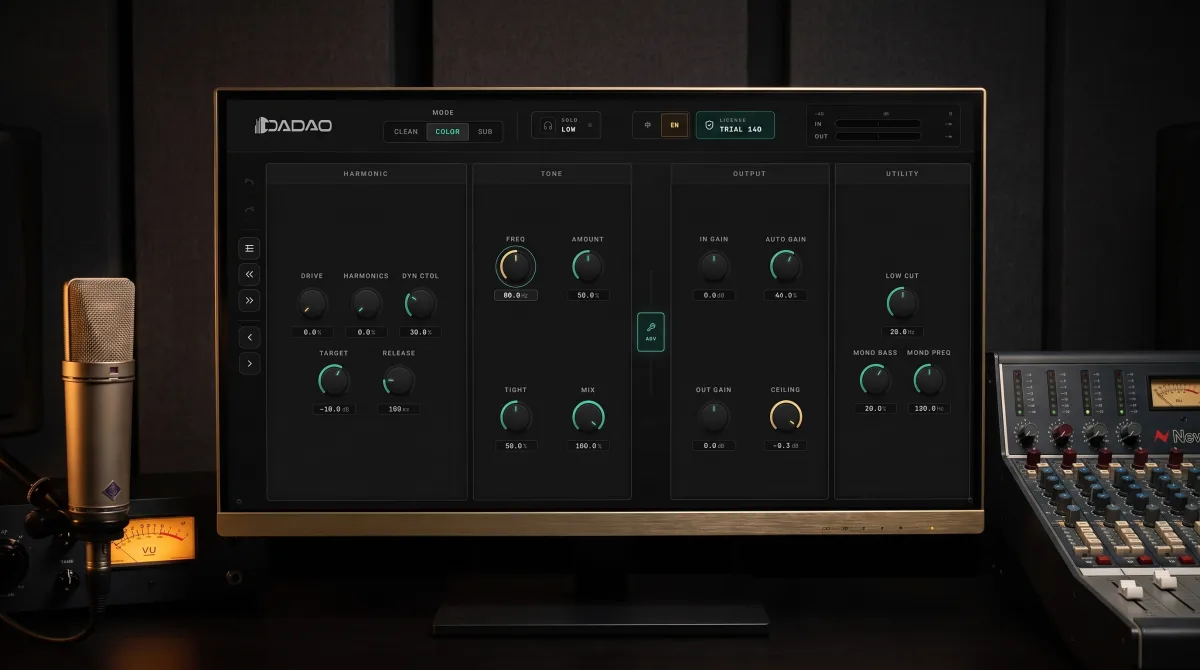
Bass Controller
Start free or choose Pro for CNY 69. Shape your low end your way.
Free installers · Current version v1.0.1
View release notesHide release notes
Release note
- NoteThe website release record starts with this version. Future releases will document new features, improvements, fixes, and compatibility changes.
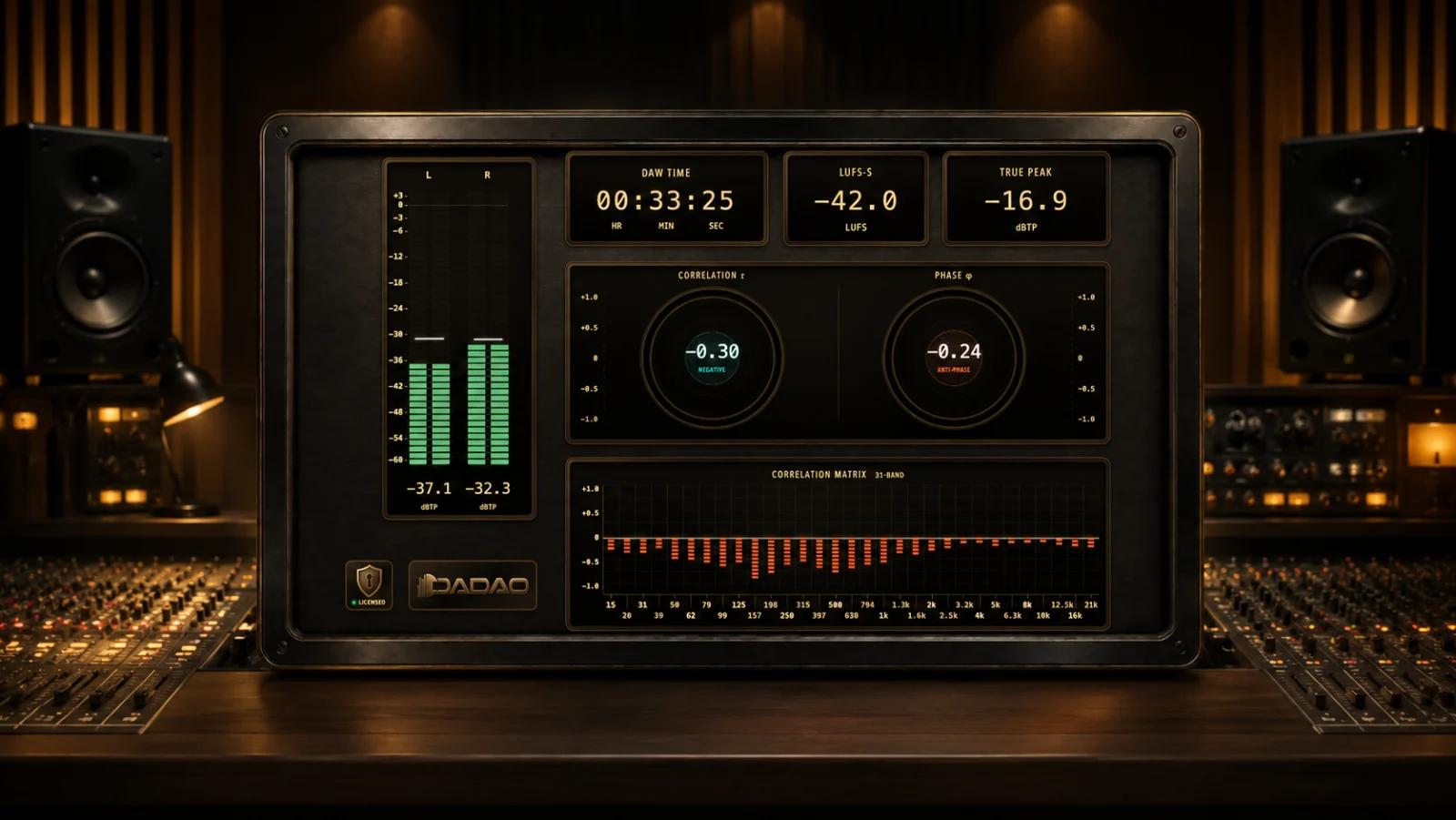
Corr Matrix Pro
See which parts of a stereo mix may disappear in mono before you export
Current version v4.1.0
View release notesHide release notes
Release note
- NoteThe website release record starts with this version. Future releases will document new features, improvements, fixes, and compatibility changes.
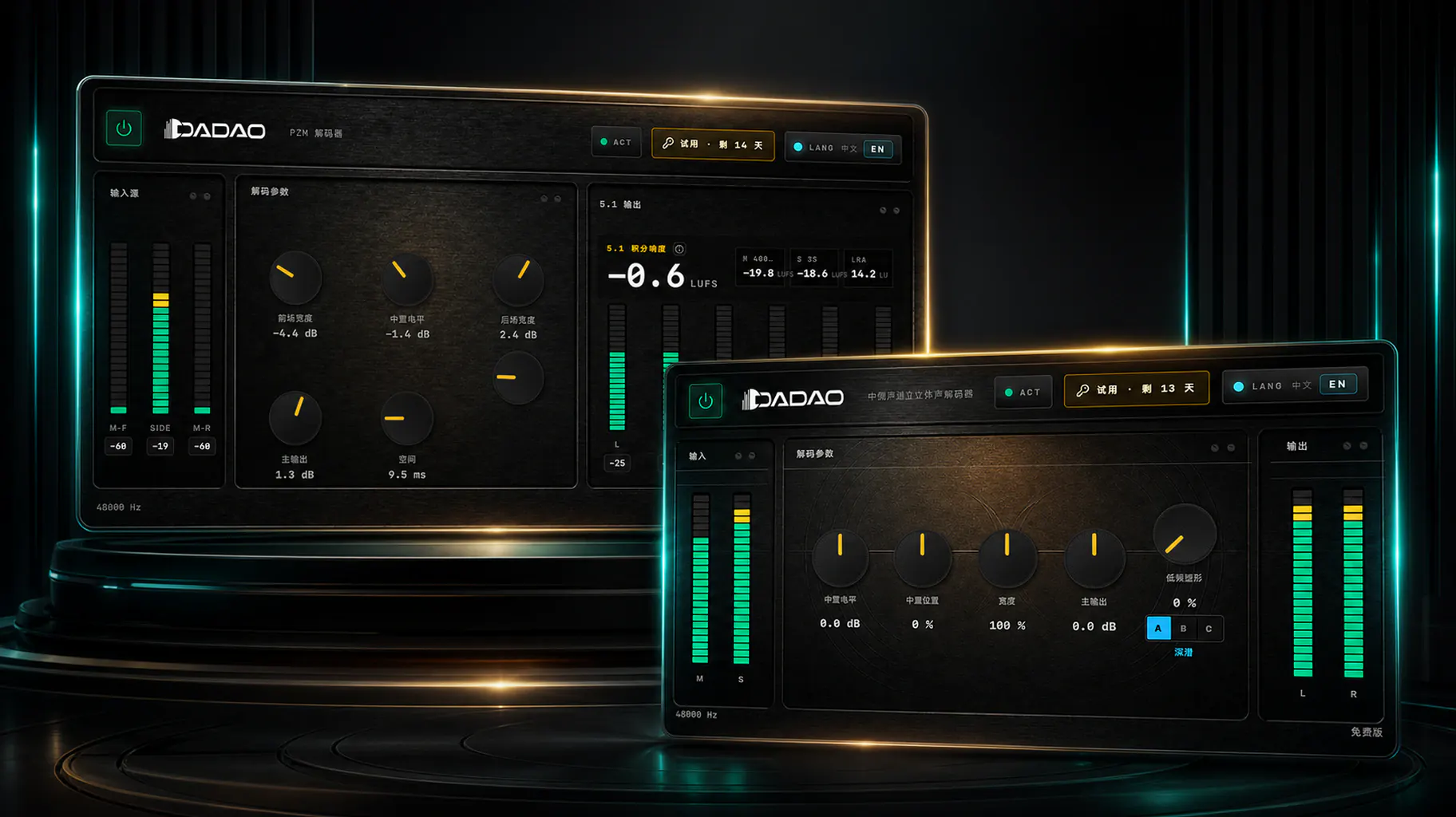
D-PZM Decoder Suite
Bring the space inside an M/S recording into a stereo or 5.1 mix
Current version v1.0.0
View release notesHide release notes
Release note
- NoteThe website release record starts with this version. Future releases will document new features, improvements, fixes, and compatibility changes.
HARDWARE
Hardware products
For domestic purchases in China, visit our official Taobao store. For international orders, email info@dadaoaudio.com to confirm availability, payment and delivery details before purchase.
Taobao store · China