Recording Safety Software

Record Safer Pro

Software copyright registered

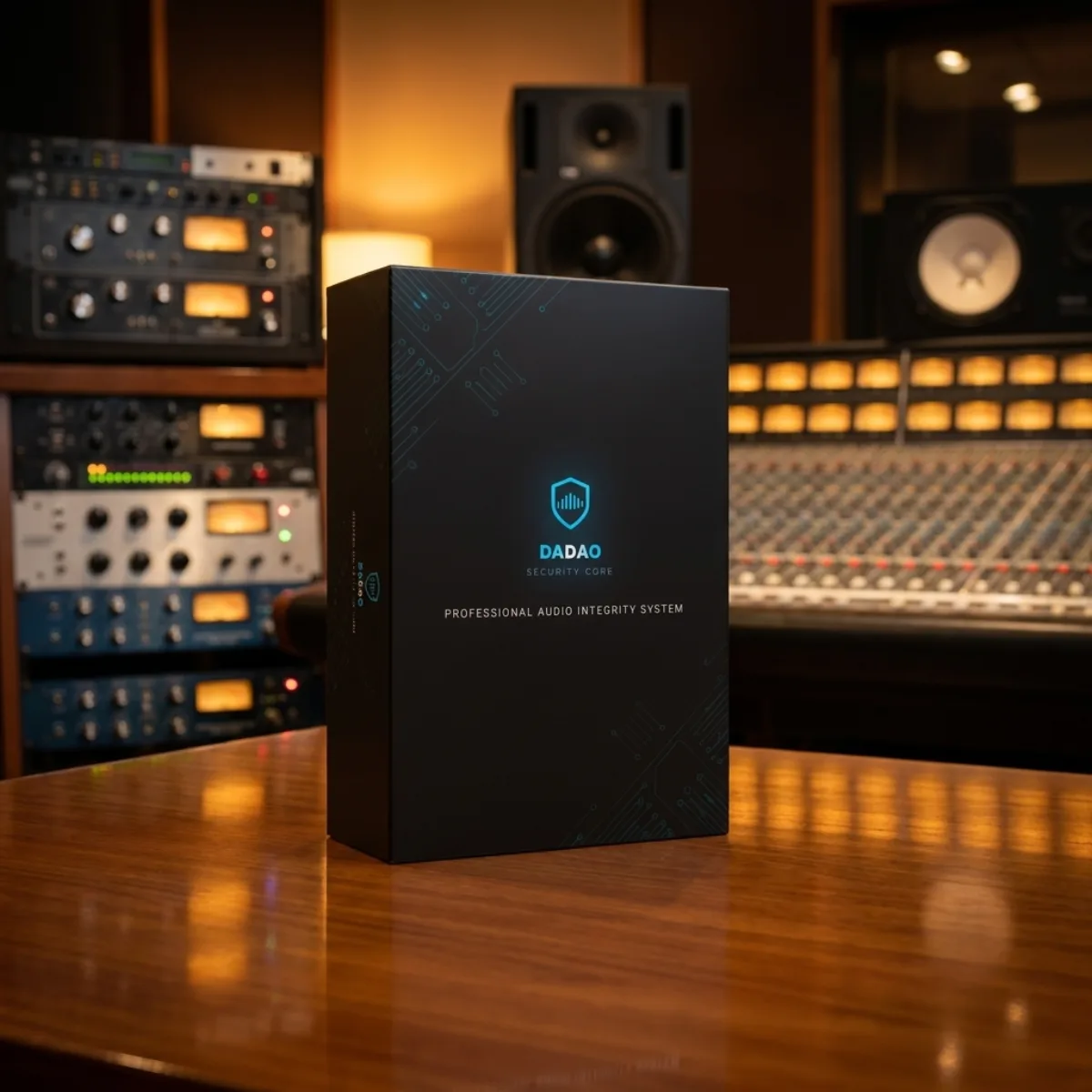
Some performances happen once. Some moments never return. Record Safer Pro is a multichannel recording safety workstation for macOS: it checks devices, sample rate, channels, and disks before the take, watches the recording chain while it runs, and leaves a session report and metadata when the work is done. It does not replace the engineer; it makes hidden risks easier to see before they become lost music.

Record Safer Pro

Typical Applications

Common applications

These are typical uses. Confirm product specifications and site conditions for the actual rig.

Application 01

Classical and orchestral location recording

Application 02

Film and television location sound

Application 03

Multichannel broadcast and podcast recording

Application 04

Multitrack backup for live sound

Application 05

Any project where the take cannot be repeated

Watch

Record Safer Pro · introduction to reliable location recording

A 3:18 introduction to device and disk checks and multitrack location recording in Record Safer Pro. Watch the full video on Bilibili. Video narration is in Chinese.

Complete user manual · v4.4.0

Read the full manual
before you start

Twelve chapters follow the recording workflow: installation and activation, system setup, recording, safety monitoring, reports, post-production delivery and AI/MCP. Opens in a new window without registration.

Read full user manual→

↗ Opens in a new window · HTML · 12 chapters

Table of Contents

  1. ch-01Product overview and 4.4.0
  2. ch-02Installation and interface
  3. ch-03Trial, account and activation
  4. ch-04System settings
  5. ch-05Start recording
  6. ch-06During recording
  7. ch-07Safety monitoring
  8. ch-08Reports and Track Vault
  9. ch-09Toolbox and delivery
  10. ch-10AI and MCP
  11. ch-11Frequently asked questions
  12. ch-12Location checklist

01 · Overview

Some performances happen once. Some moments never return. Record Safer Pro is a multichannel recording safety workstation for macOS: it checks devices, sample rate, channels, and disks before the take, watches the recording chain while it runs, and leaves a session report and metadata when the work is done. It does not replace the engineer; it makes hidden risks easier to see before they become lost music.

02 · Specifications

Technical Specifications

These are the published technical specifications for this model, ready for product selection, installation, and deployment planning.

Architecture
Three layers · C/CoreAudio backend + desktop application + React UI
Platform
macOS (development and production recording environment)
Audio backend
Direct CoreAudio capture and disk writing, bypassing intermediate macOS layers
Channel count
Follows the input device · architectural limit of 256; validate production sessions on your hardware
Sample rate
Selectable from 44.1 kHz to 192 kHz
Bit depth
16-bit / 24-bit / 32-bit float
Licensing
14-day trial · device-bound license · production licensing checked separately
Updates
Automatic checks within the major version; no forced updates during recording

03 · Downloads

Downloads

  • Installers

    Open the download center

    Choose the product and platform. If you are signed out, you will be asked to sign in and the download will continue automatically.

    Download→
  • HTML

    User manual (v4.4.0 · 12 chapters)

    Download→