Boundary-layer recording: why the capsule belongs close to the surface
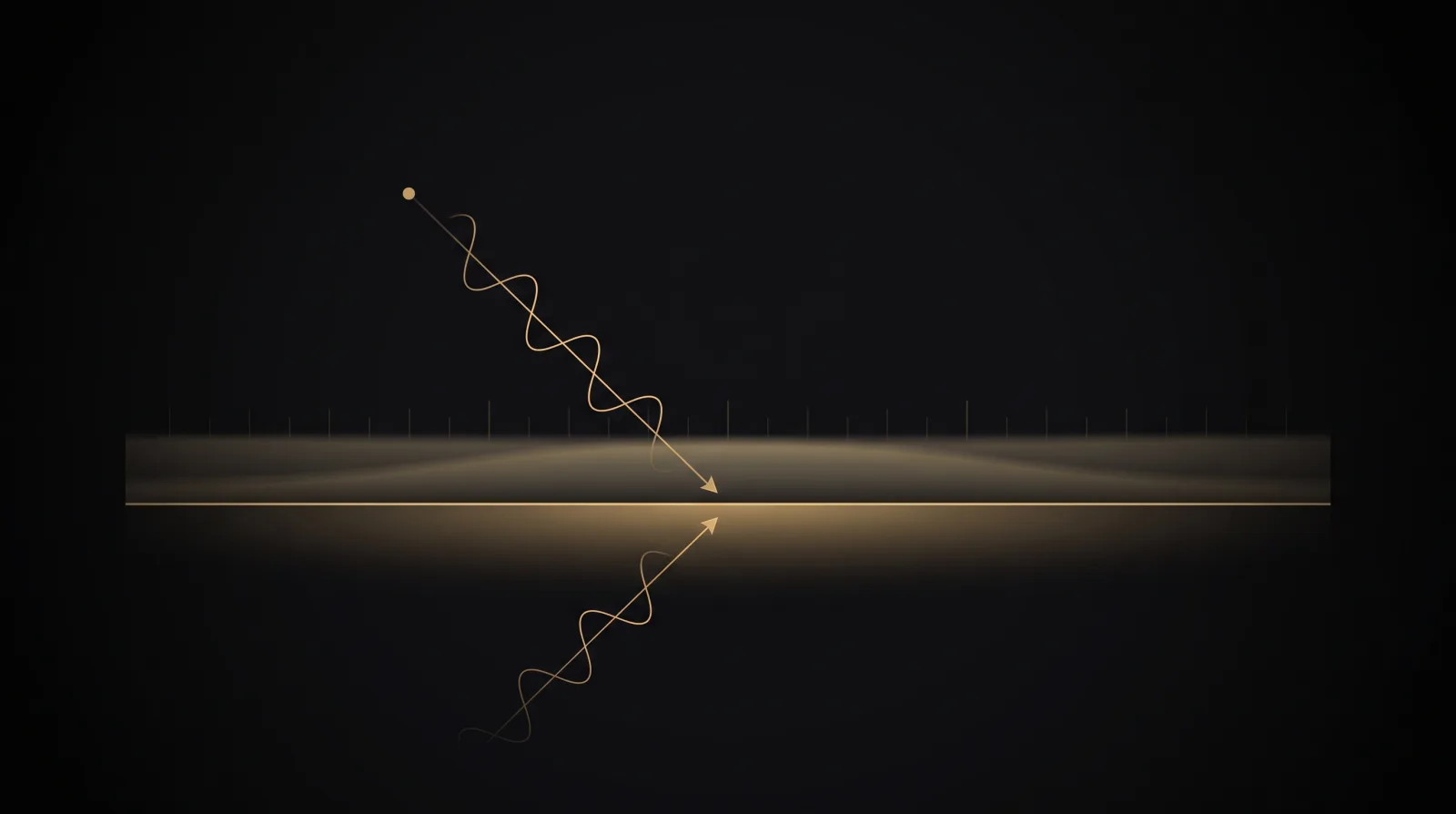
Placing the capsule close to a hard boundary shortens the delay between direct and reflected sound. How much this helps still depends on surface size, frequency, and the actual placement.
Contents
What this article covers
6 chapters · About 8 minutes
Reflection
Start with path difference, not EQ
When a microphone sits some distance above a table, stage, or floor, sound from the same source reaches the capsule once by the direct path and again by the reflected path. The delayed signals add and cancel at different frequencies, producing comb filtering. Moving the capsule close to the boundary reduces that path difference at the source instead of trying to guess an EQ correction after the recording.[1][2]
Boundary
Near an ideal hard boundary, sound pressure can rise by about 6 dB
On a sufficiently large, rigid boundary, a capsule placed very close to the surface receives the incident and reflected waves at almost the same time, so their pressures add in phase. Shure describes an approximate 6 dB increase in sensitivity for a boundary microphone and an improvement of about 3 dB in the direct-to-reverberant sound ratio.[1] The 6 dB figure describes pressure summation under ideal boundary conditions; it is not a fixed gain at every position and frequency.
Size
A finite panel has a low-frequency limit
As the panel becomes small relative to wavelength, sound bends around its edges and the low frequencies behave less like they are meeting an infinite boundary. Shure likewise notes that the reflecting surface must be large relative to wavelength and that low frequencies diffract around a small boundary.[2] The current D-PZM specifications list a panel size of 24.7 × 17.8 cm.[5] That dimension is useful for planning the physical footprint, but it cannot by itself prove equal boundary gain from 20 Hz to 20 kHz. Any detailed response claim requires measurements from a defined placement.
Hardware
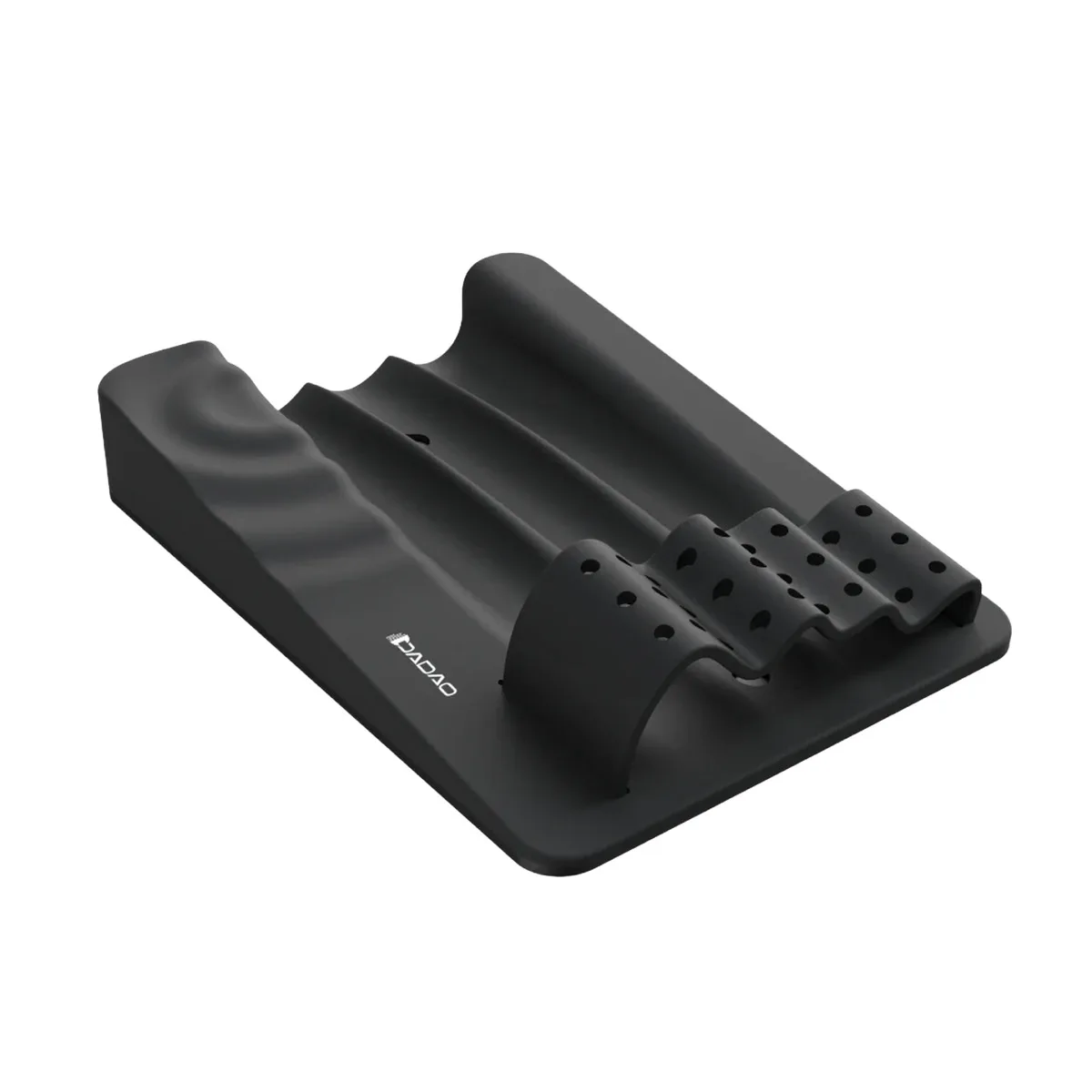
D-PZM is a reflective panel, not a microphone with its own capsule
Traditional boundary microphones usually mount the capsule directly in a plate or housing. The SCHOEPS BLC instead couples a conventional pressure microphone to a boundary-layer adapter.[3][4] D-PZM follows the latter idea more closely: it is a passive reflective panel on which the user positions their own microphones along the rails.[5] Directionality, self-noise, maximum SPL, and sensitivity therefore remain properties of the chosen microphones; the panel does not replace those specifications.
Placement
Set the capsule and support surface first
For boundary-layer recording, keep the capsule as close to the panel as practical and place the panel on a stable, hard support. Thick carpet, soft pads, lifted edges, or a cavity beneath the panel can change both reflection and structural vibration. If a small panel must sit on a larger table or floor, also check whether the step between the panel edge and the surrounding surface creates another reflection. A sweep or segmented listening test with the actual source is more reliable than judging the setup from a placement photo alone.[2][3]
Routing
The panel sets the geometry; stereo and surround still need decoding
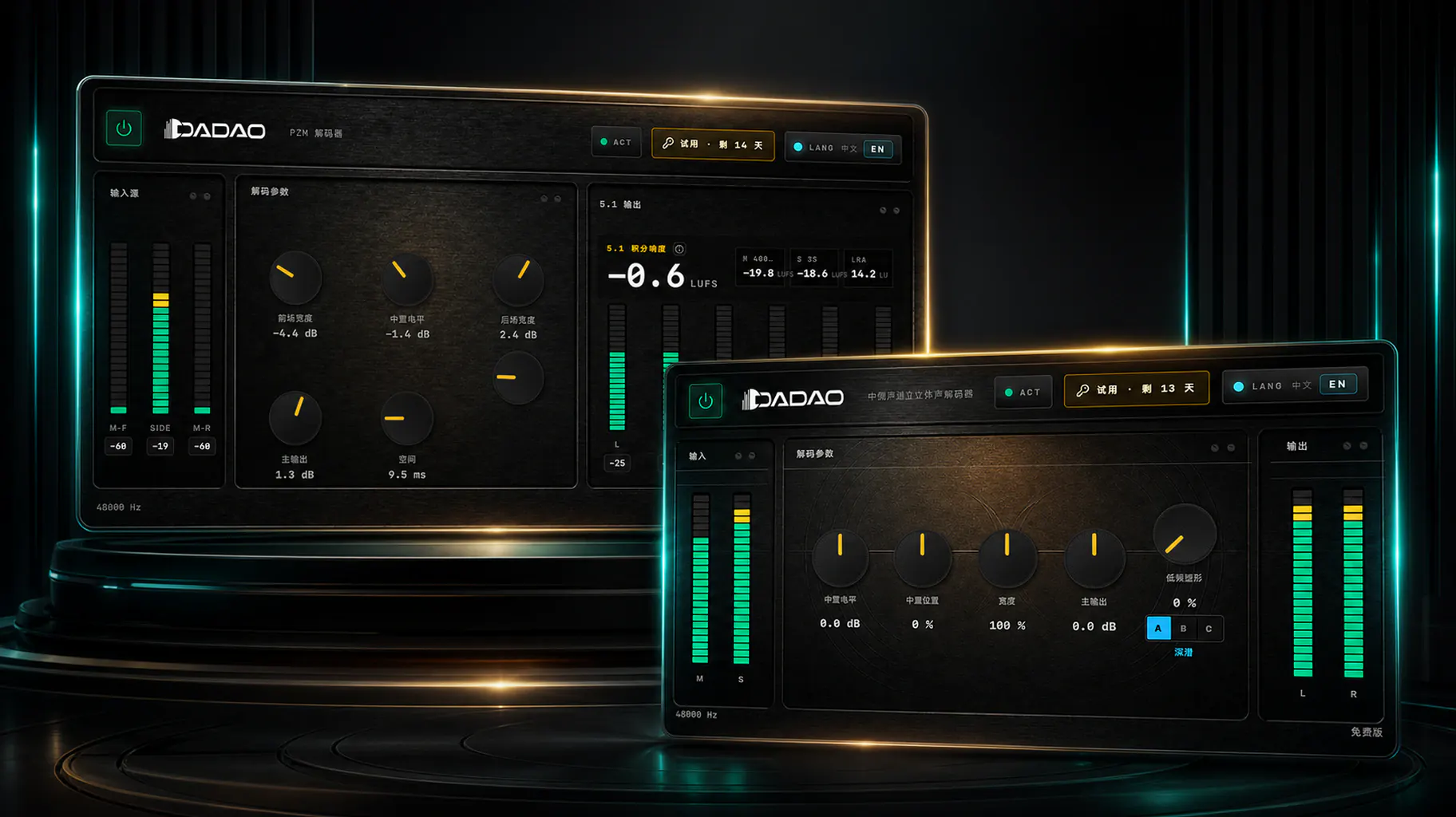
The D-PZM rails can support mono, M/S, or Double M/S arrangements, but the panel itself does not turn the signals into stereo. Standard M/S uses a Mid microphone and a sideways figure-eight Side microphone. Double M/S adds a rear-facing Mid microphone, for three recorded channels in total.[6] The current companion software is a single D-PZM Decoder: Stereo mode handles two-channel M/S, while 5.1 mode handles three-channel Double M/S. See the M/S stereo article for the decoding matrix and DAW routing.
References
Sources
Standards, technical documents, and official manufacturer pages checked for this revision.
- 1MX391, MX392 and MX393 User Guide
Shure · Accessed 2026-08-09
- 2Microphone Techniques for Live Sound Reinforcement
Shure · Accessed 2026-08-09
- 3Boundary Layer Microphones
DPA Microphones · Accessed 2026-08-09
- 4BLC Boundary Layer Adapter
SCHOEPS · Accessed 2026-08-09
- 5D-PZM Product Specifications
DADAO AUDIO · Accessed 2026-08-09
- 6Double M/S
SCHOEPS · Accessed 2026-08-09
Related Products · Related products